

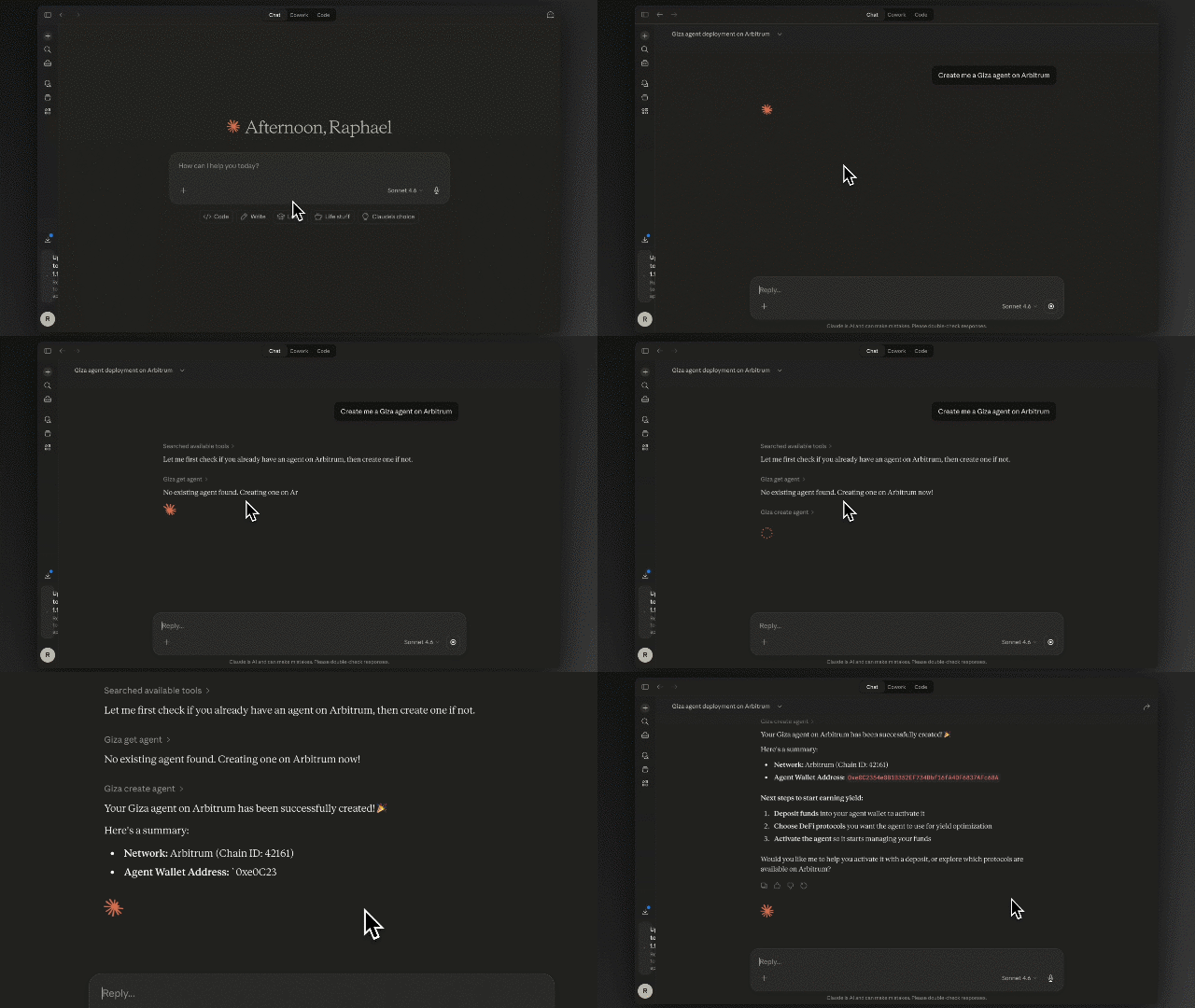
What You Can Do
- Check your portfolio and current yield
- Deposit and withdraw funds
- View your rewards and claim them
- Change your strategy and selected markets
- See your transaction history
- Get help setting up a new account
Setup
Pick the AI client you want to use and follow the steps below.- Claude Desktop
- Claude Code
- Openclaw
1
Open Claude Desktop
Launch the Claude Desktop app on your computer.
2
Go to Settings
Click the gear icon to open Settings, then click Customize.
3
Add the Giza marketplace
Click Connectors in the sidebar, then click Add marketplace. Enter the following URL and click Sync:
4
Install Giza skills
Go to Skills in the sidebar. You’ll see “Giza skills” available. Click Install.
5
Start chatting
Open a new chat and ask anything — for example, “How’s my portfolio?” or “Help me get started.”
First Time Login
On your first interaction, the AI will send you a login link. Open it in your browser to connect your wallet. After that, you’re set — future sessions will remember you.Example Prompts
Here are a few things you can ask:- “Help me get started with Giza”
- “How’s my portfolio doing?”
- “What’s my current yield?”
- “Withdraw $100”
- “What rewards have I earned?”
- “What protocols am I using?”